Installation & Setup Guide
Copy trading signals from your Telegram channels straight into MetaTrader 5 — set up step by step.
This guide takes you from a fresh install to live signal copying: install MetaTrader and Telegram, create your Tcopy account, install the desktop app, connect your trading accounts and Telegram, then choose which channels trade on which accounts.
Privacy — every screenshot in this guide has personal data (account numbers, names, phone, email and API keys) removed.
Part 1 · Before you start
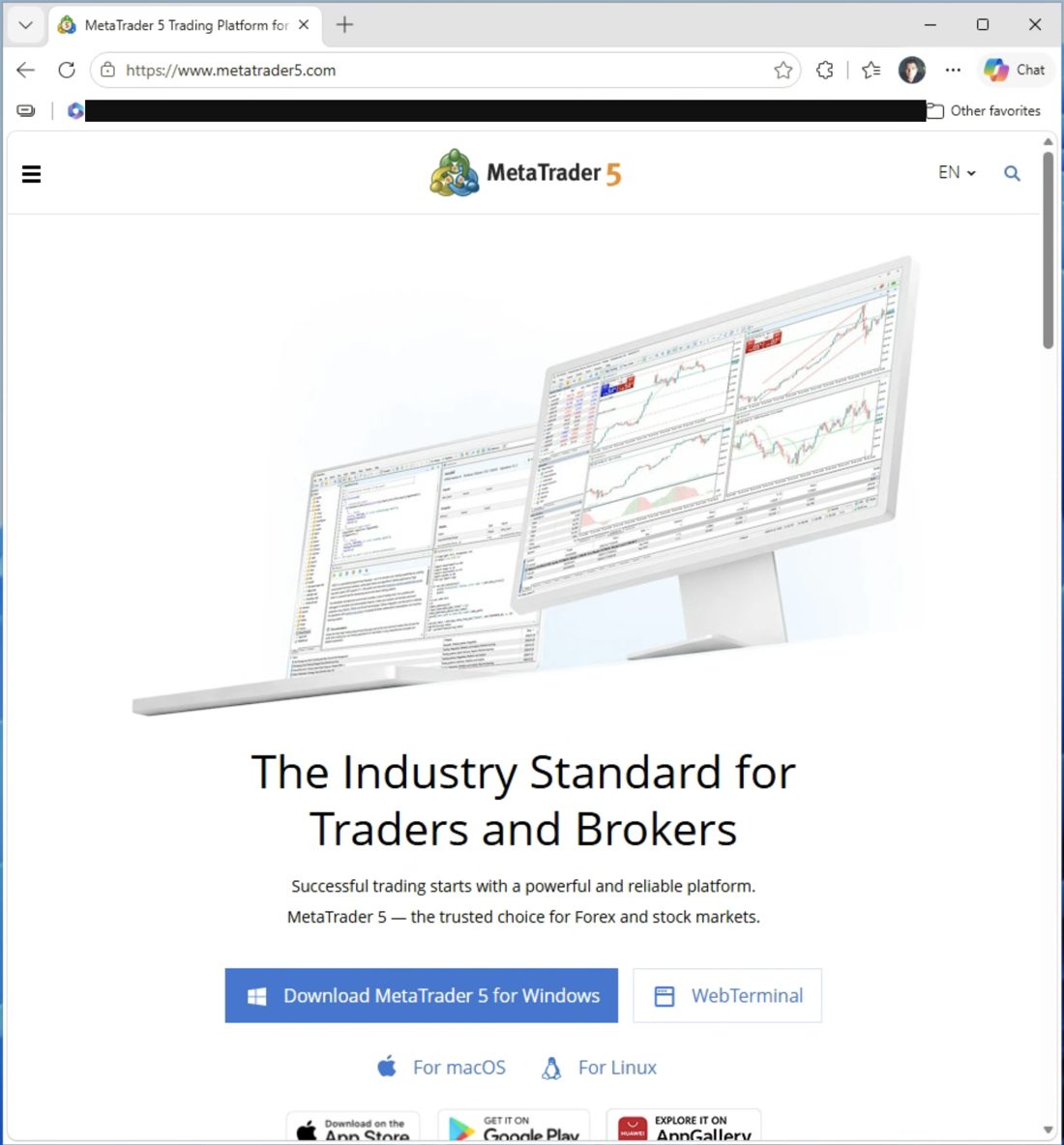
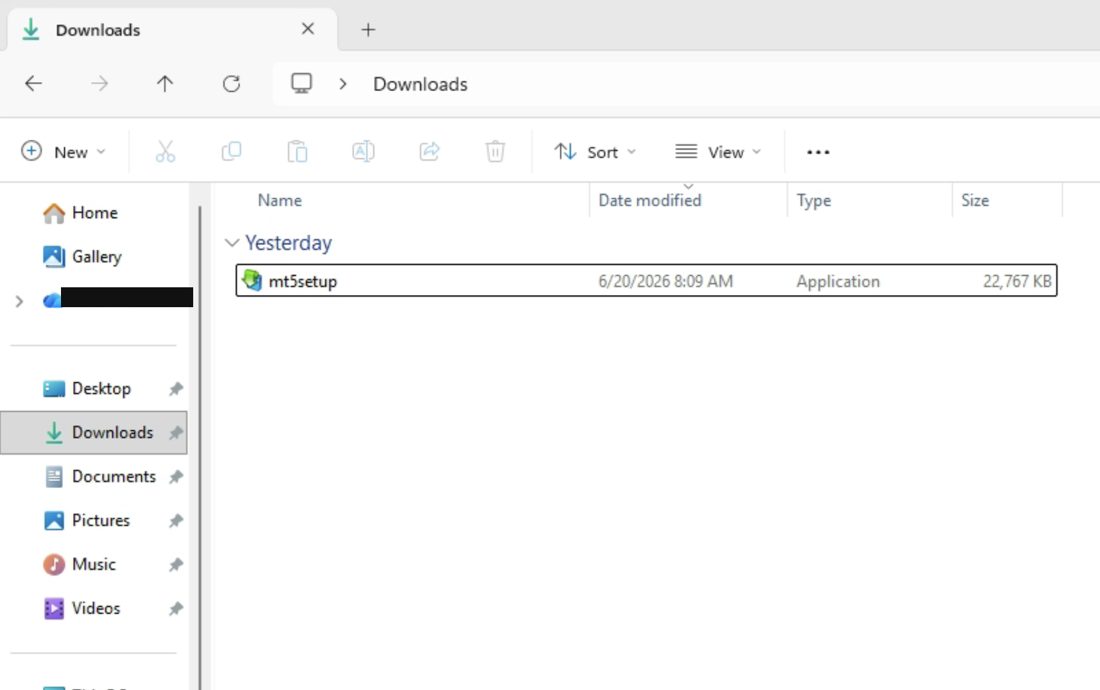
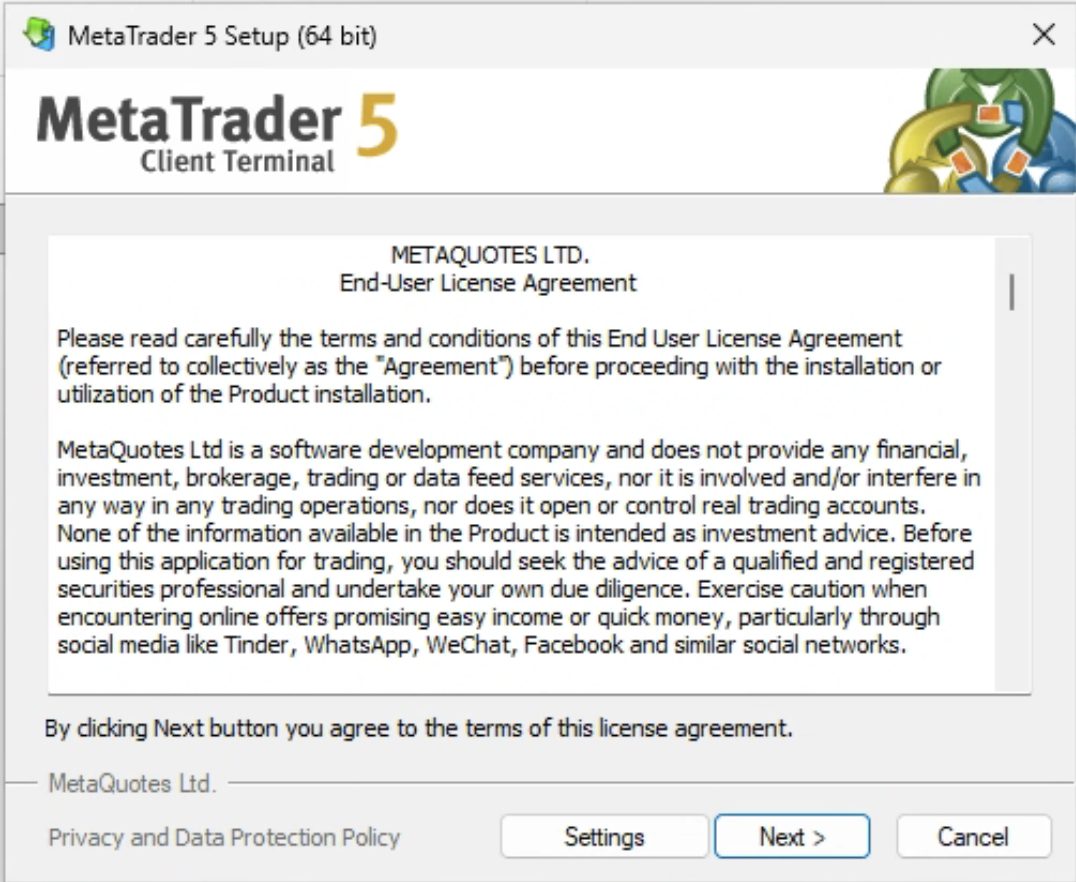
Install MetaTrader 5 — one copy, or several if you run more than one account (for example, one live and one demo).
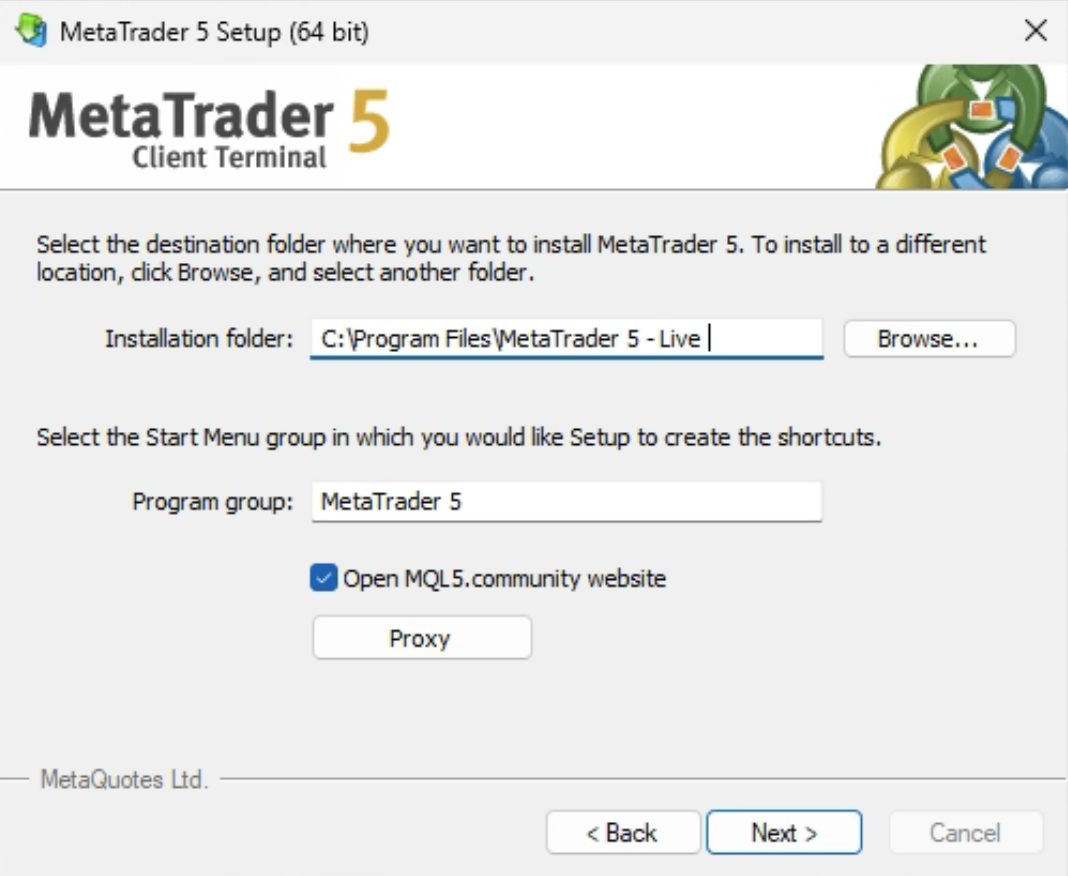
Running several copies of MetaTrader? Open each one's settings and give every installation a different data-folder name (e.g. "Live", "Demo") so they stay separate.
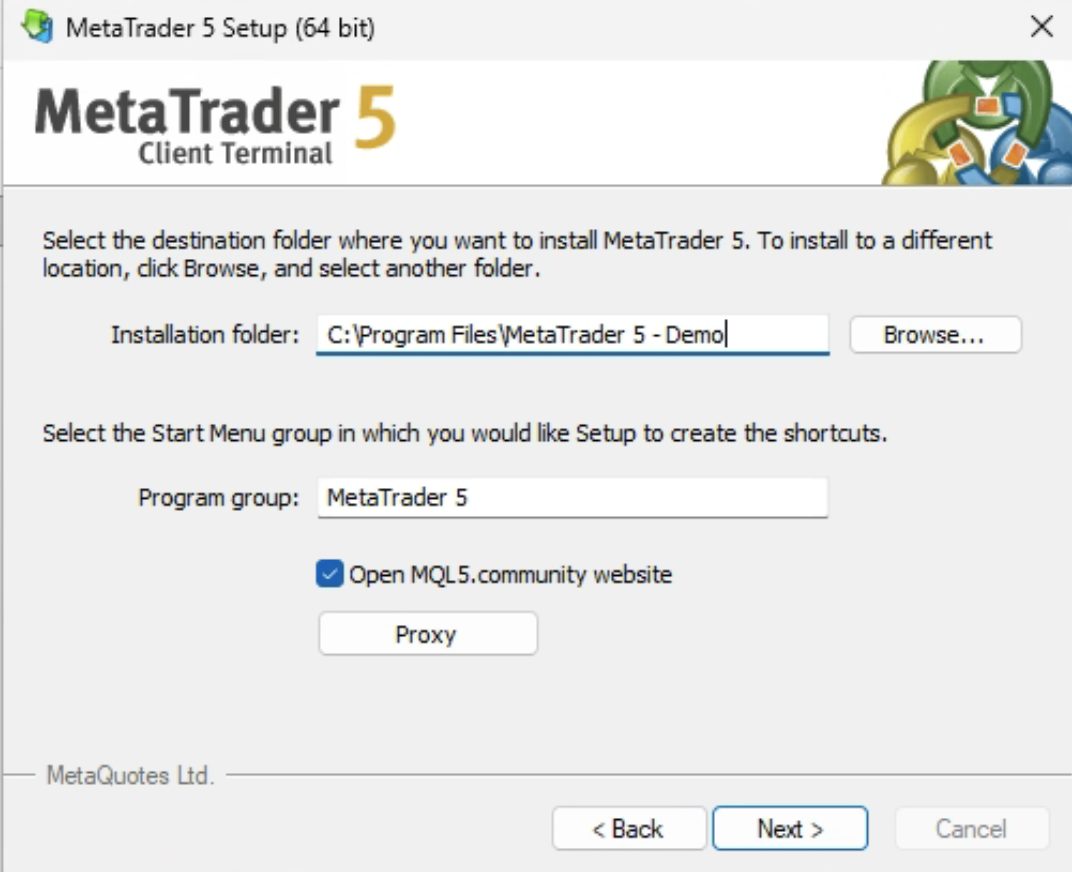
Make sure every MetaTrader 5 is open and logged in to its account.
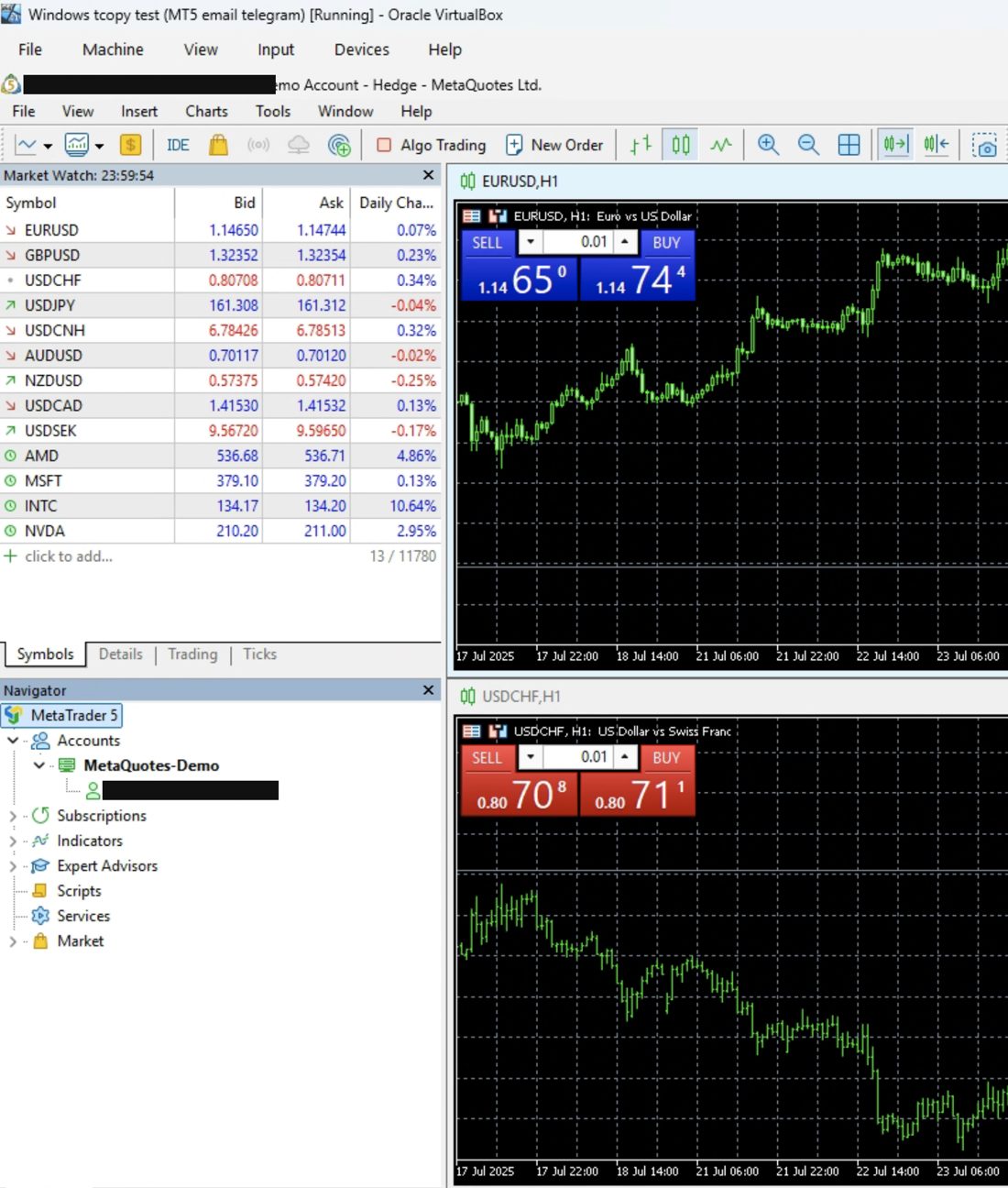
In each MetaTrader 5, turn ON "Algo Trading" — click the "Algo Trading" button in the toolbar so it is highlighted (enabled). Tcopy needs this on to place and manage trades automatically.

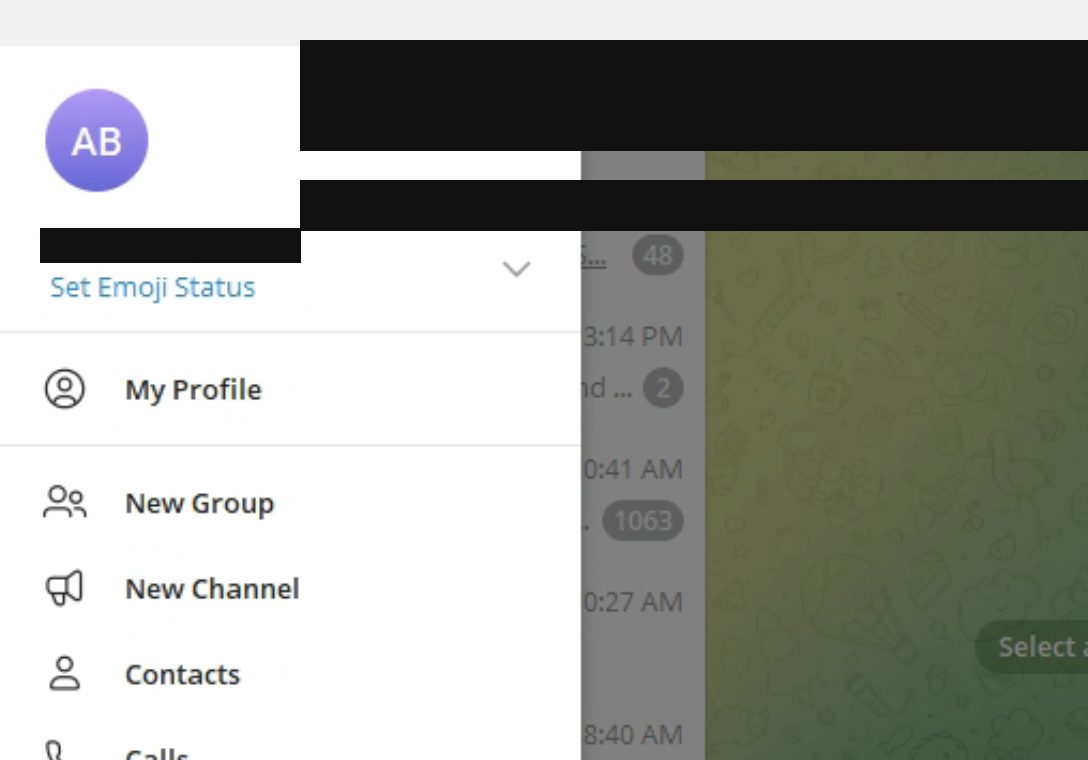
Install Telegram Desktop and make sure it is running and signed in.
Part 2 · Create your account & install Tcopy
Register on the Tcopy website, then download and install the app.
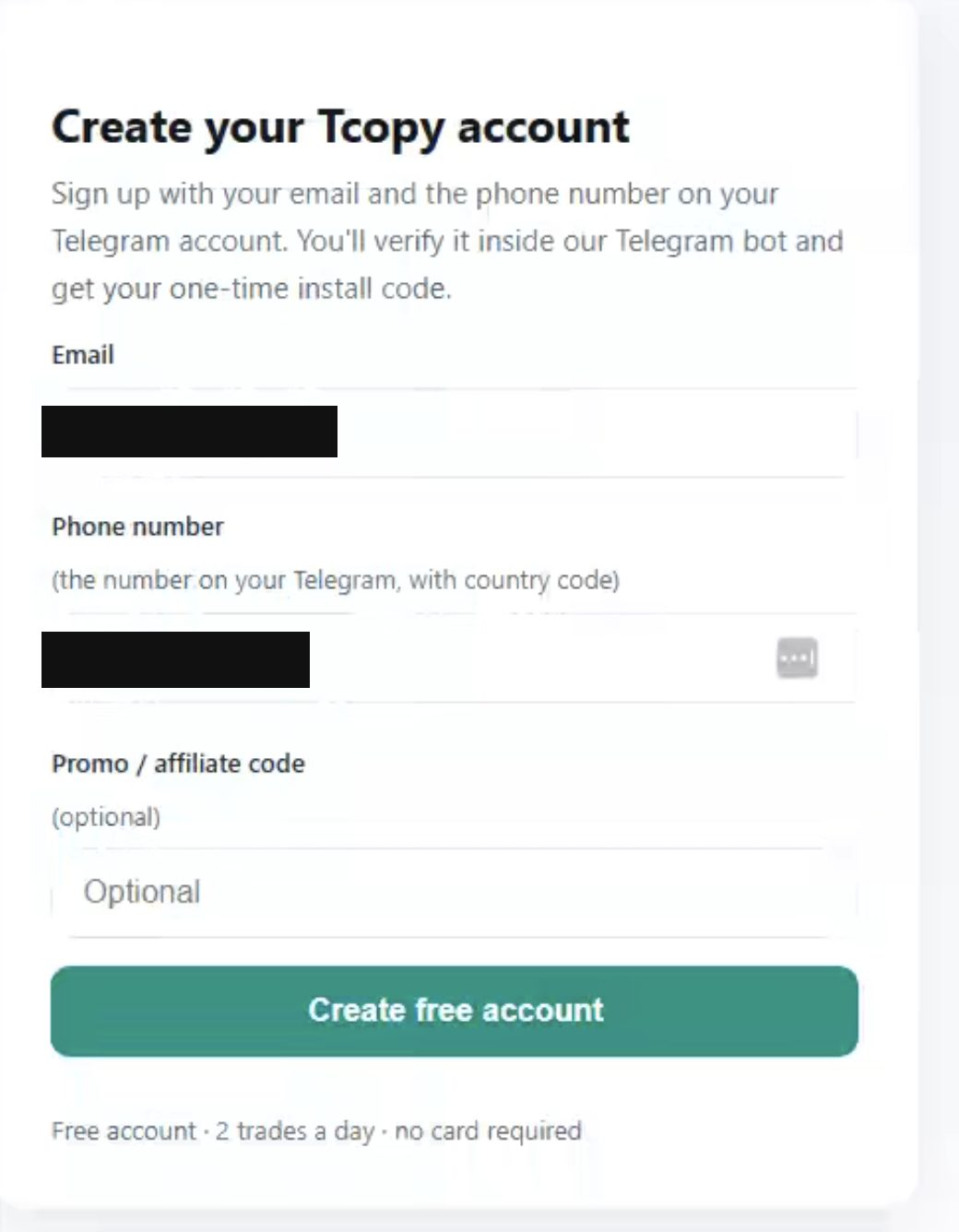
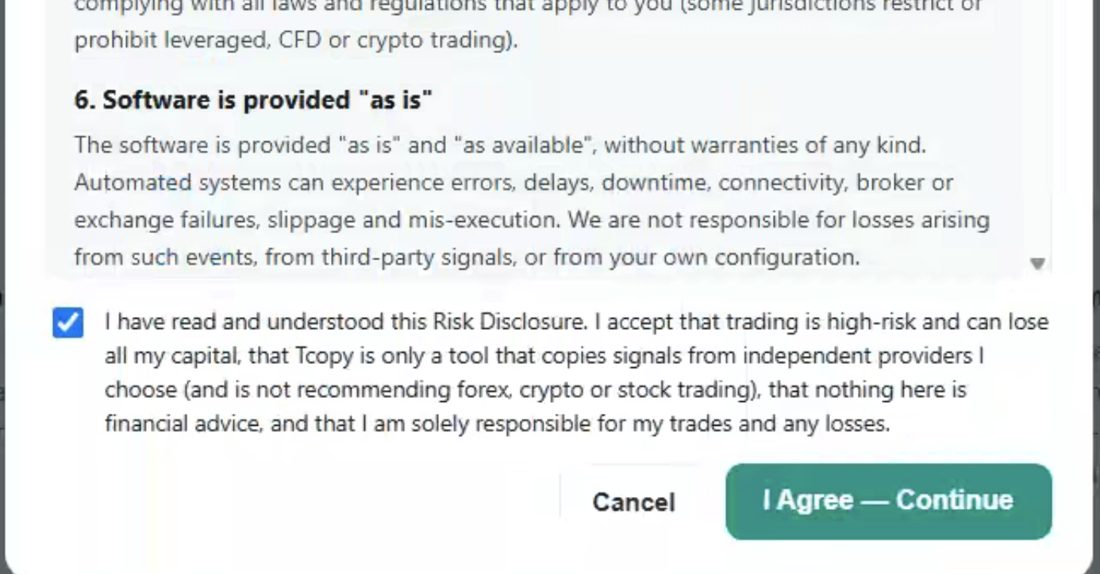
Enter your phone number to register.
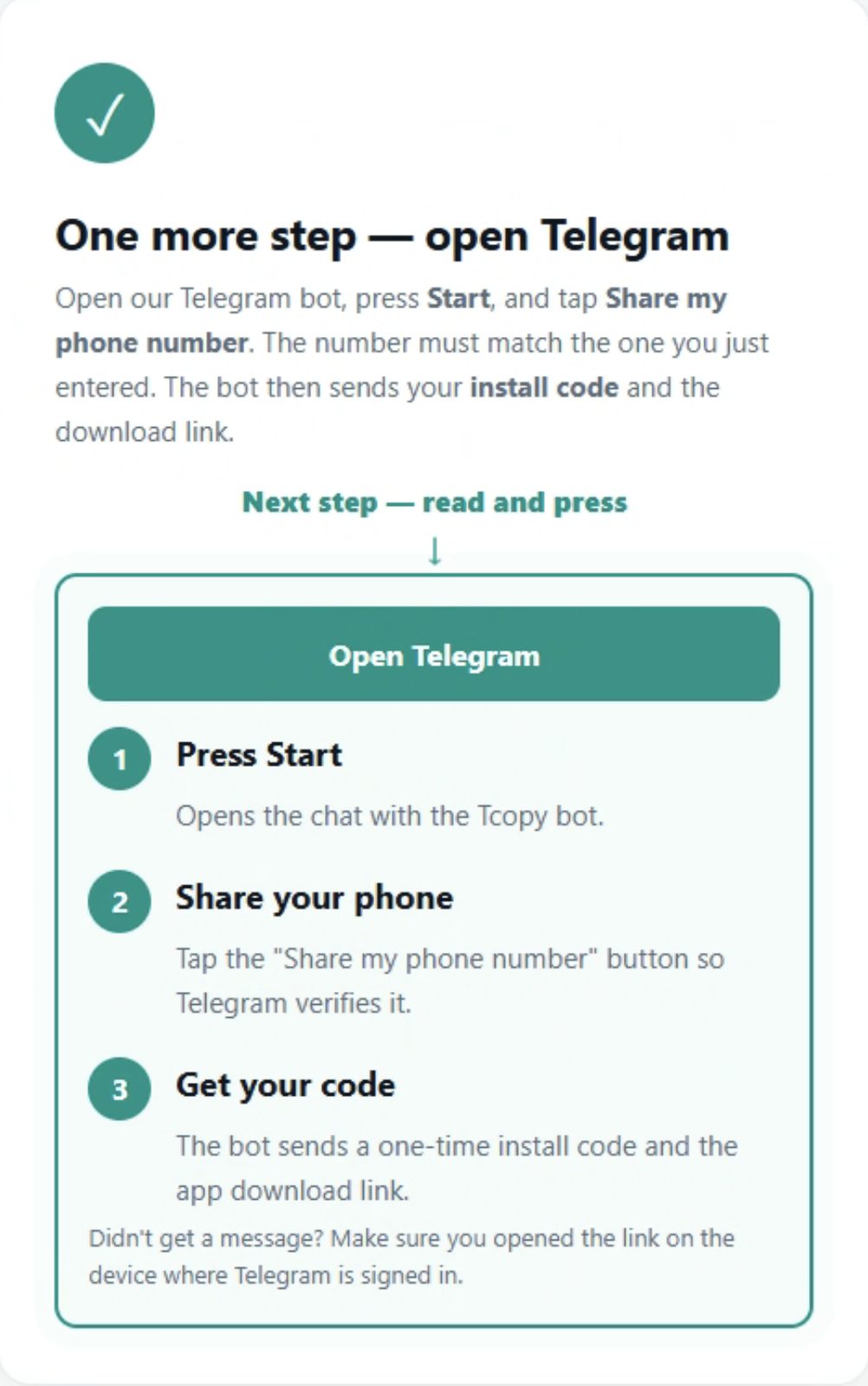
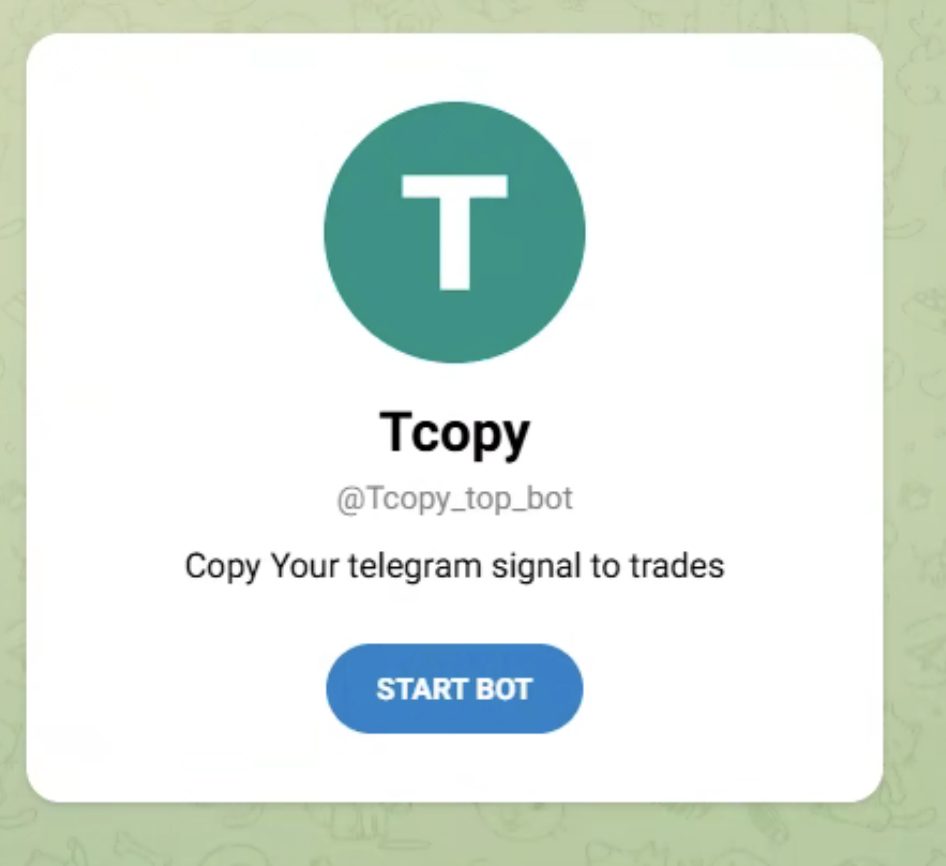
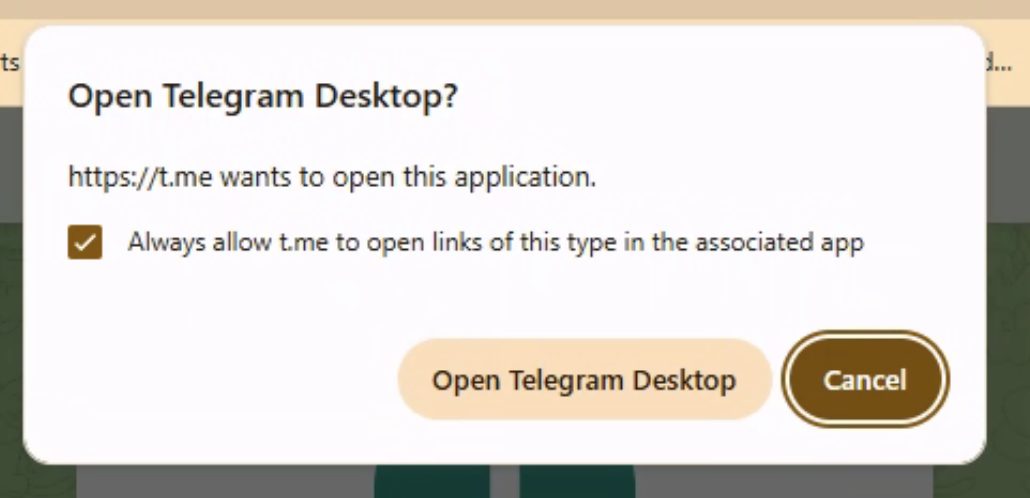
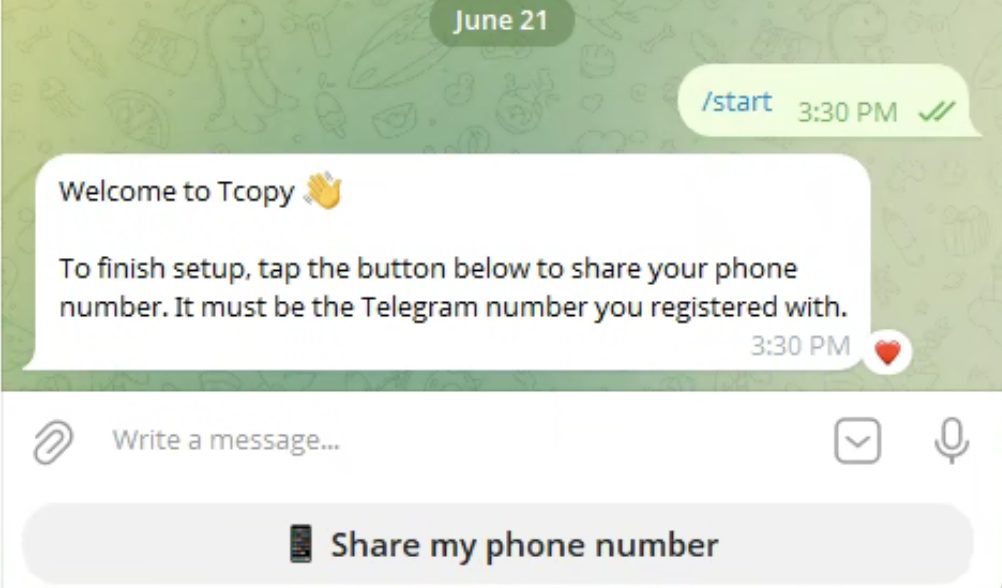
In the Telegram bot, press "Share my phone number" to receive your one-time install code.
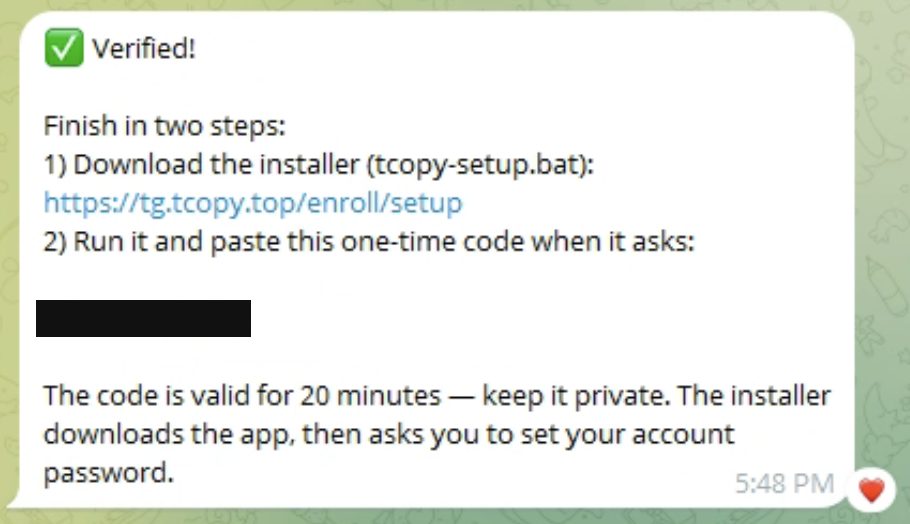
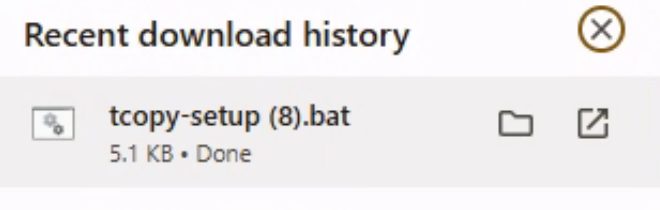
Download the installer file (tcopy-setup.bat).
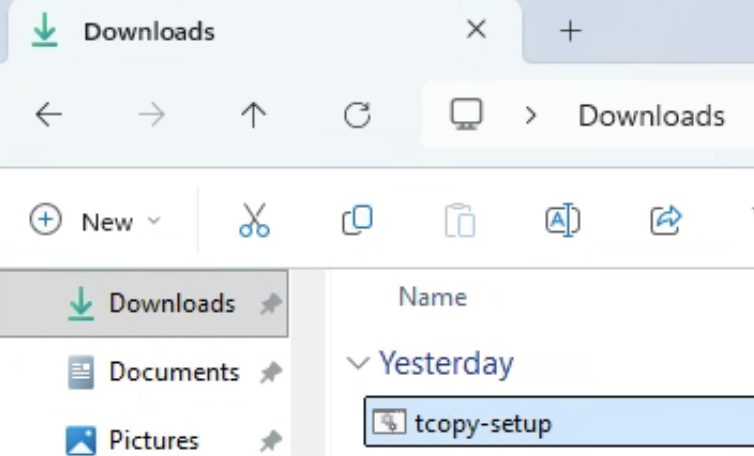
Run it.
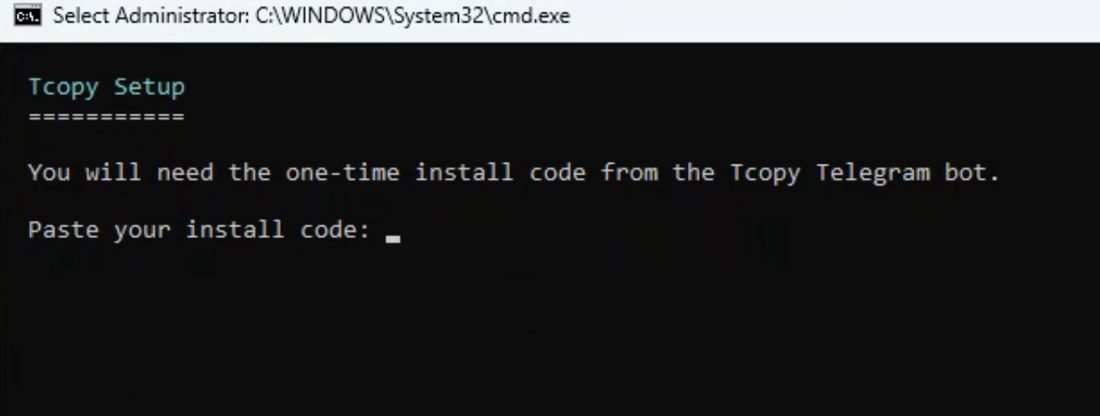
Paste the one-time code from Telegram and wait for the installation to finish.
Choose your password when prompted.
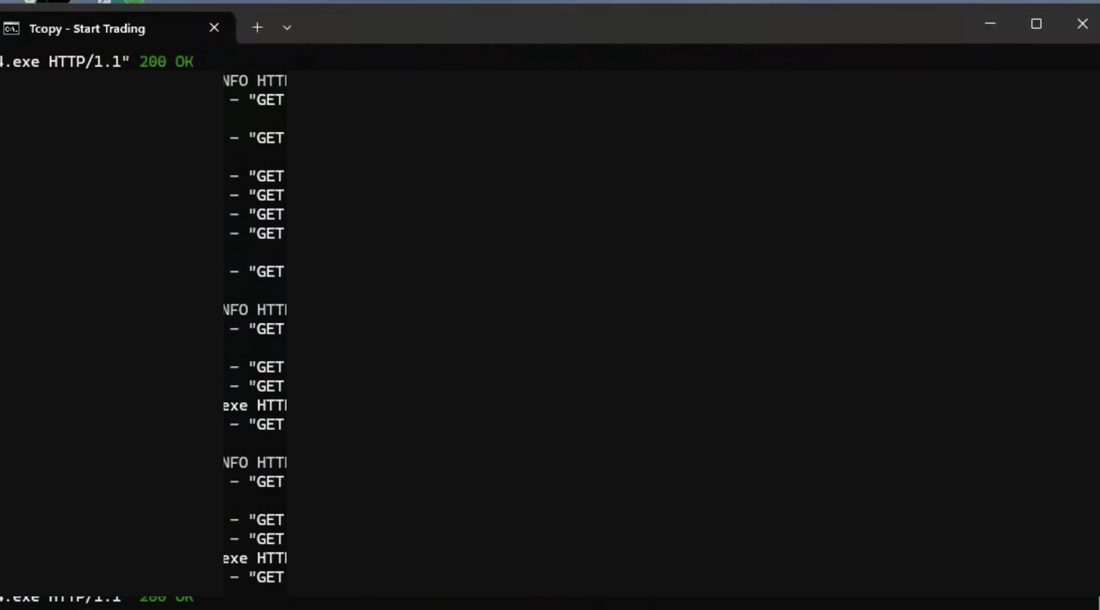
You'll get two desktop icons, and a small application window will open — leave it running at all times.
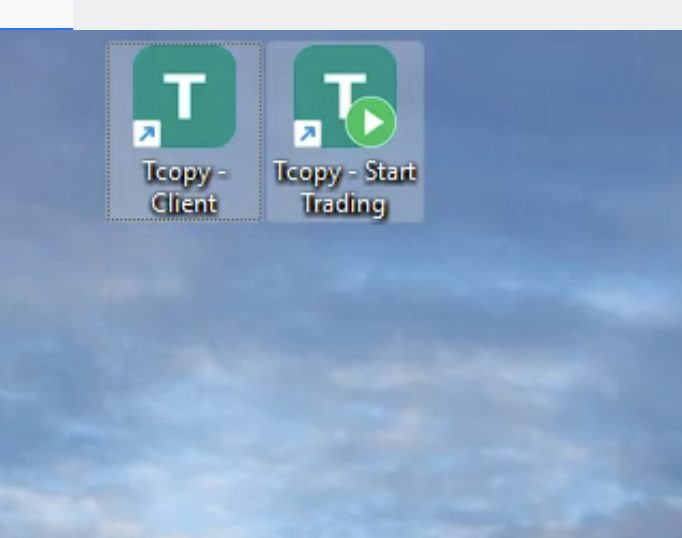
If you ever close that window, reopen it with the "Tcopy - Start Trading" icon.
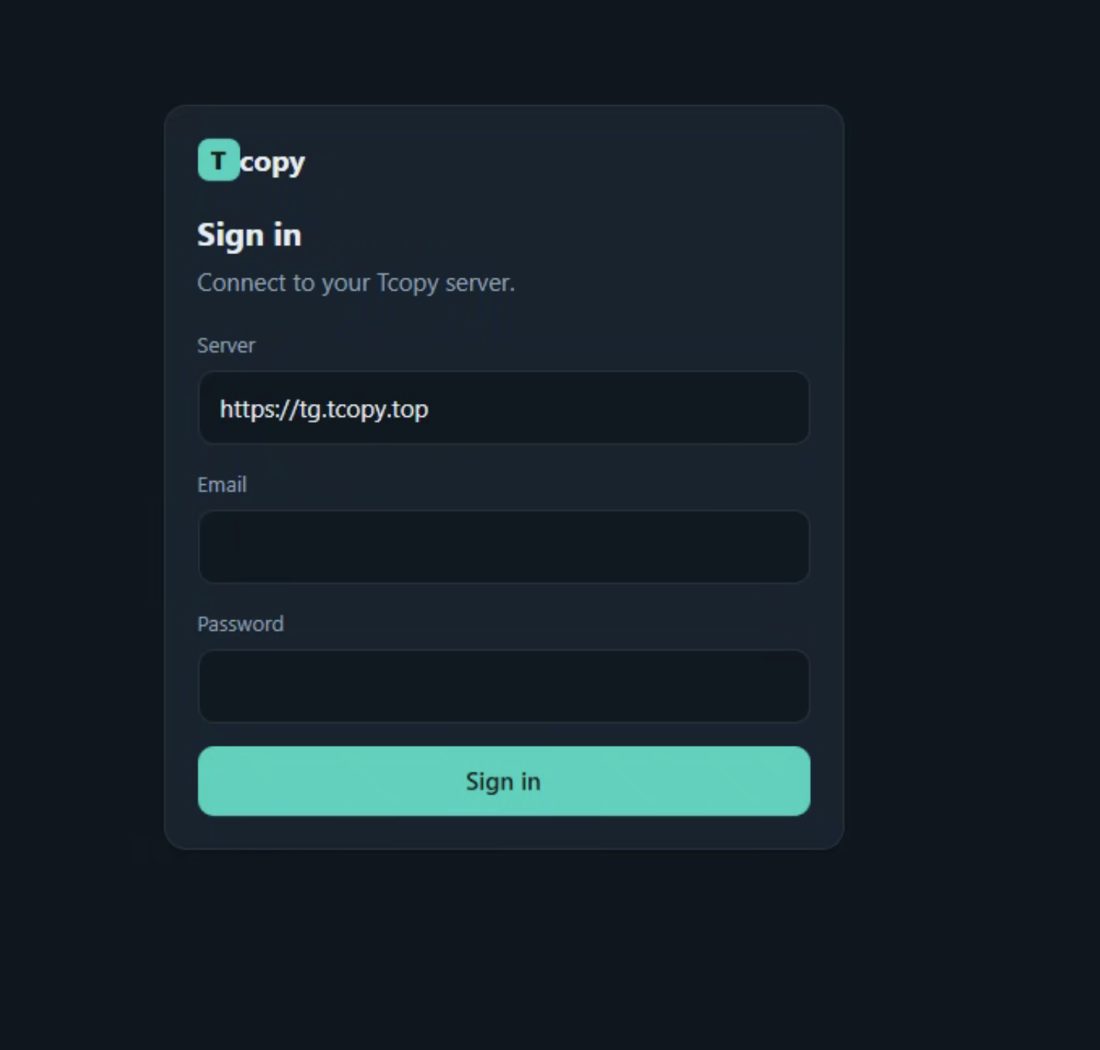
The other icon, "Tcopy Client", opens the app dashboard.
Part 3 · Connect your trading accounts
Sign in with your email and the password you chose during install.
Go to "Settings > Accounts" and press "Scan for MT5 accounts" to detect them automatically.
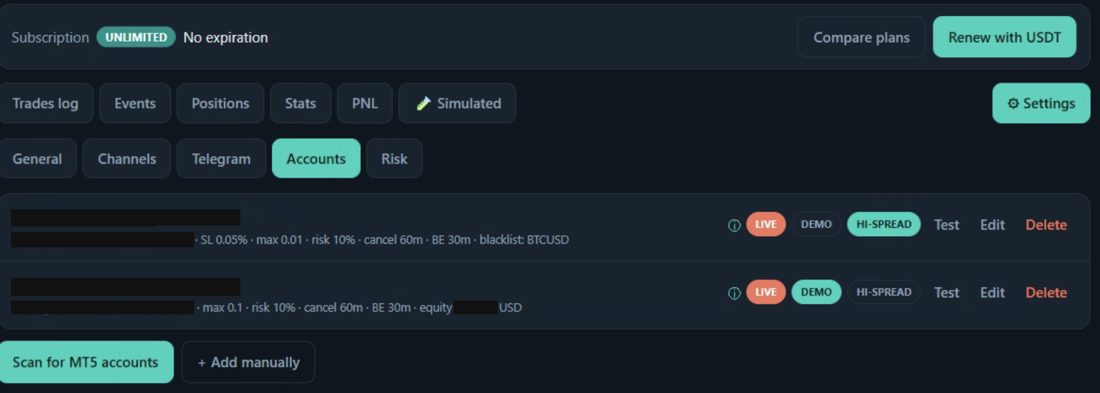
Optionally, edit any added account to set its own per-account trading rules.
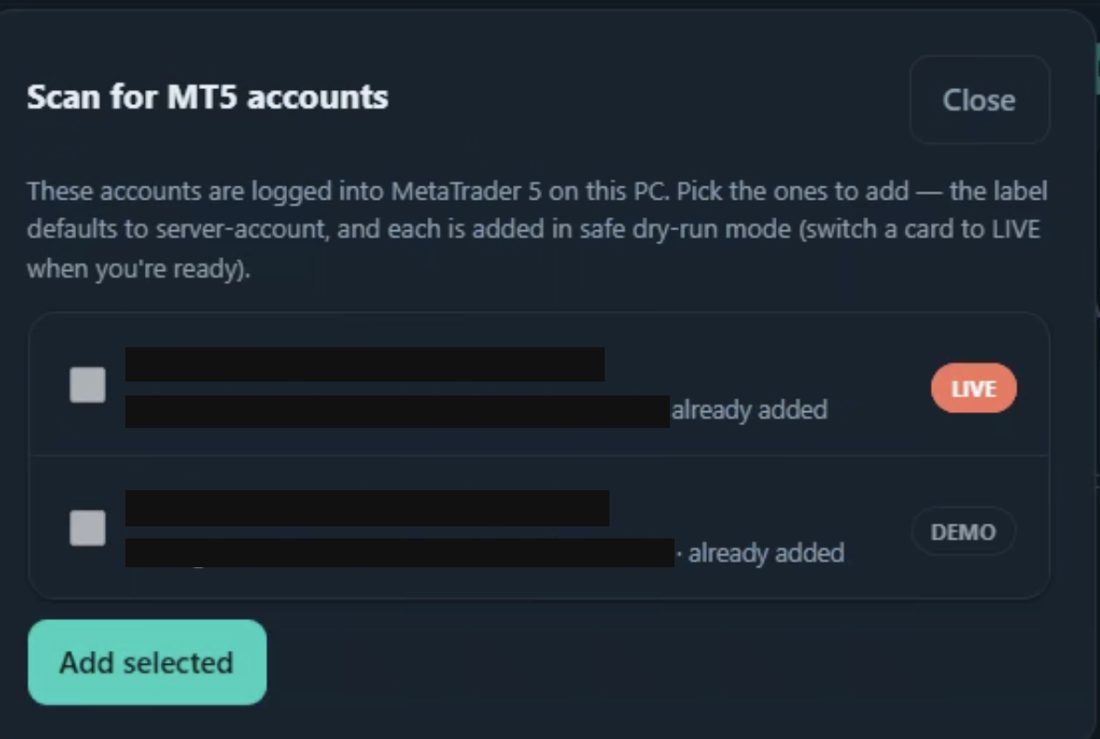
Part 4 · Connect Telegram
Open the Telegram tab and add your Telegram account.
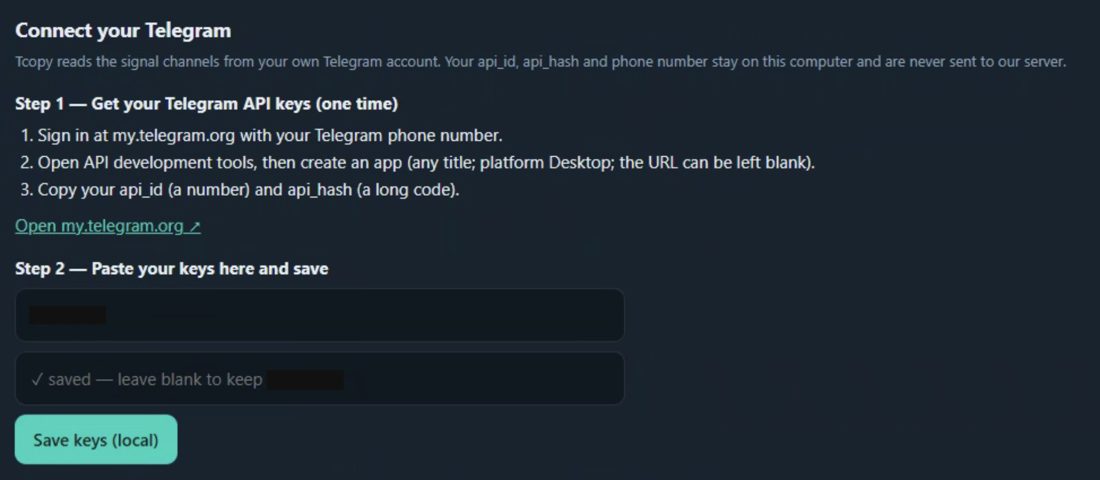
Press the link to open my.telegram.org.
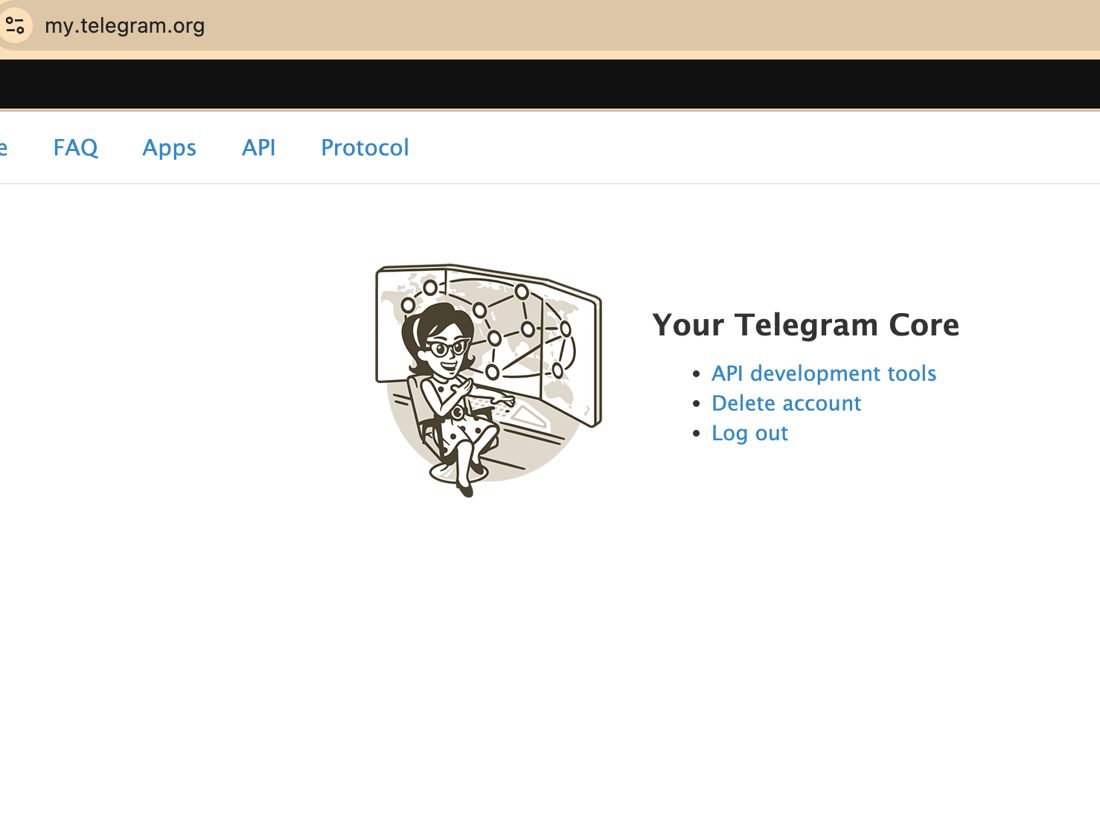
Open "API development tools".
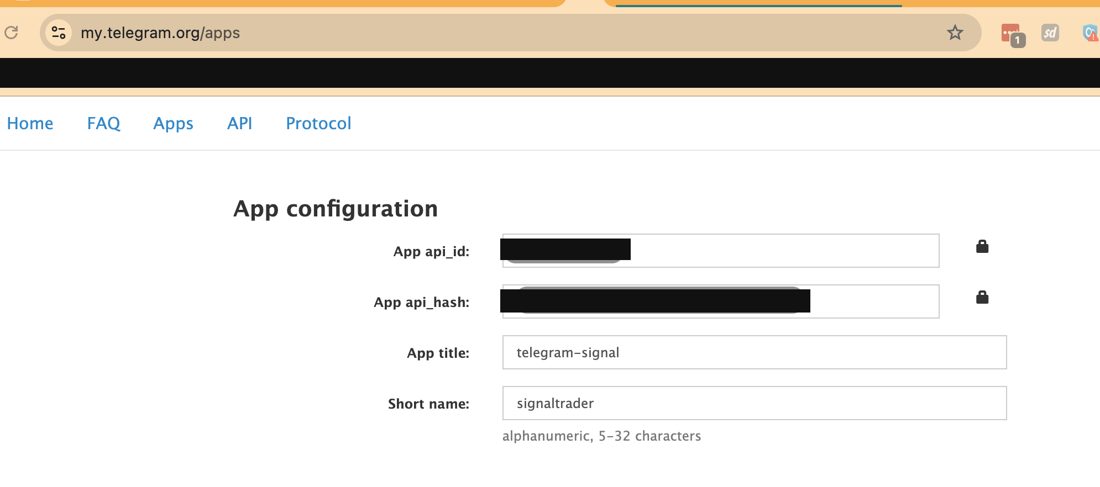
Copy the App api_id and App api_hash into Tcopy and save.
Press "Send code".
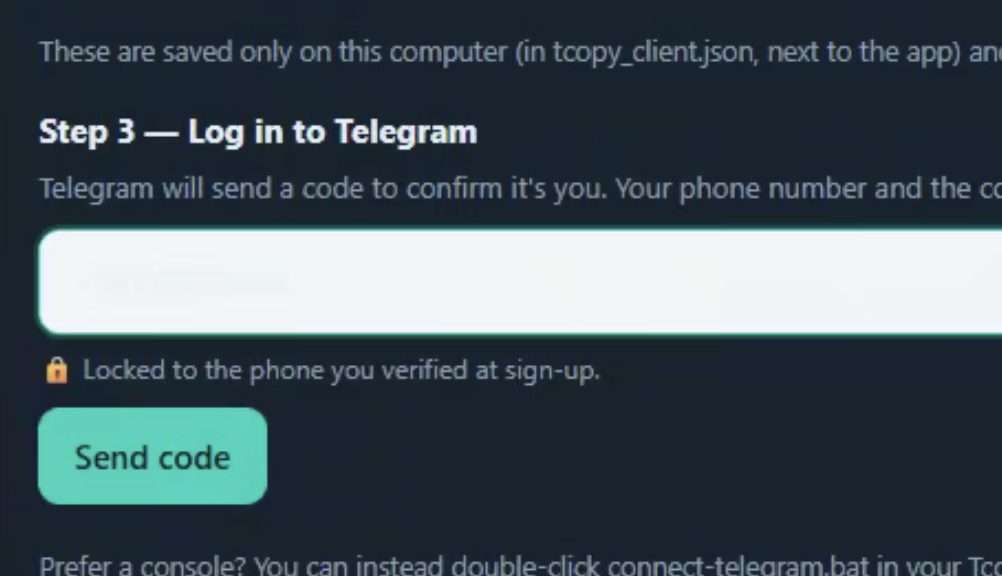
Enter the code you received in Telegram.
Part 5 · Choose channels & set your risk
Go to "Channels" and press "Refresh".
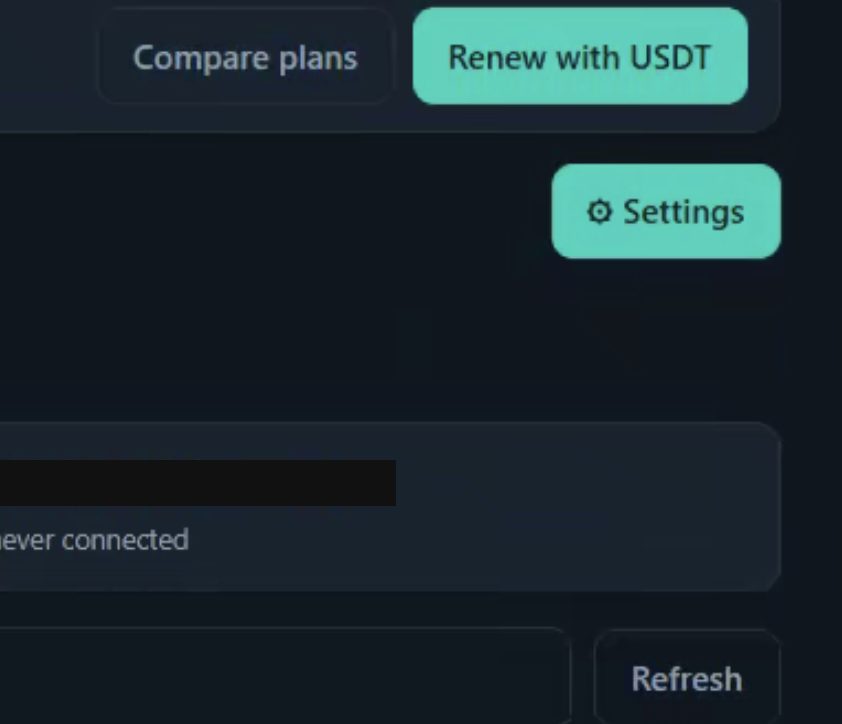
Your channels will appear within a few minutes.
Select the channels you want to monitor.
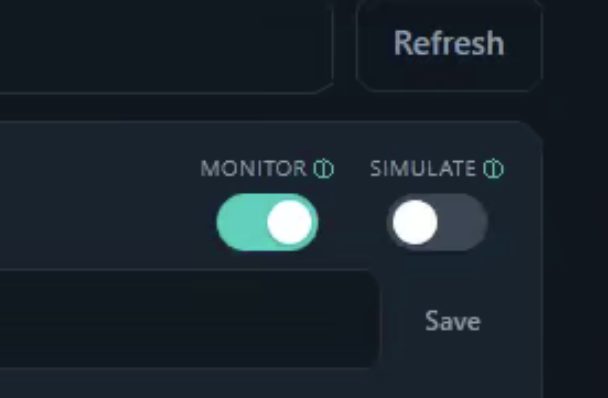
Choose which accounts each channel should trade on.
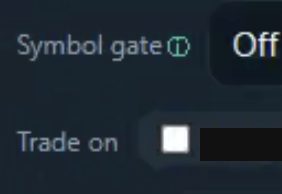
Go to "Risk" and configure your global risk settings.
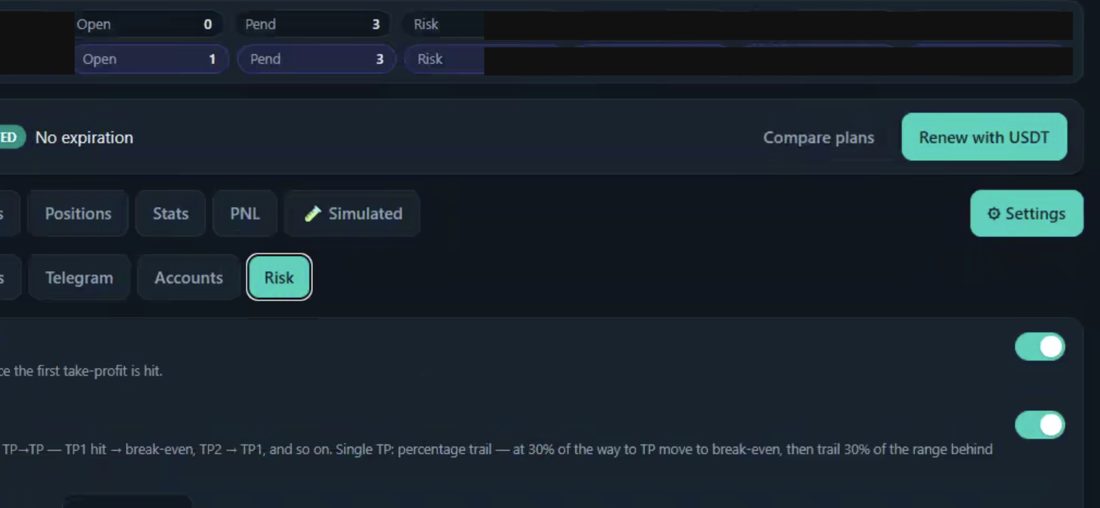
You can override individual settings per account or per channel.
Done. Tcopy now mirrors your selected channels onto your accounts using your risk settings. Need help? Visit tcopy.top.